Event Ticketing & QR Check-In
Platform in Malaysia
Sell Tickets.Manage Bookings.Check-In Attendance.
From online booking and payments to QR tickets and attendance tracking, NakSeat gives buffets, seminars, training providers and event organisers in Malaysia one simple system to manage ticketed events with less manual work.
Prefer a guided walkthrough? WhatsApp us
FPX payments via your connected Billplz account
 via
via
Made Easier With NakSeat
Three parts of your event, made easier.
A smoother experience for attendees, with less manual work for your team.
Simpler booking
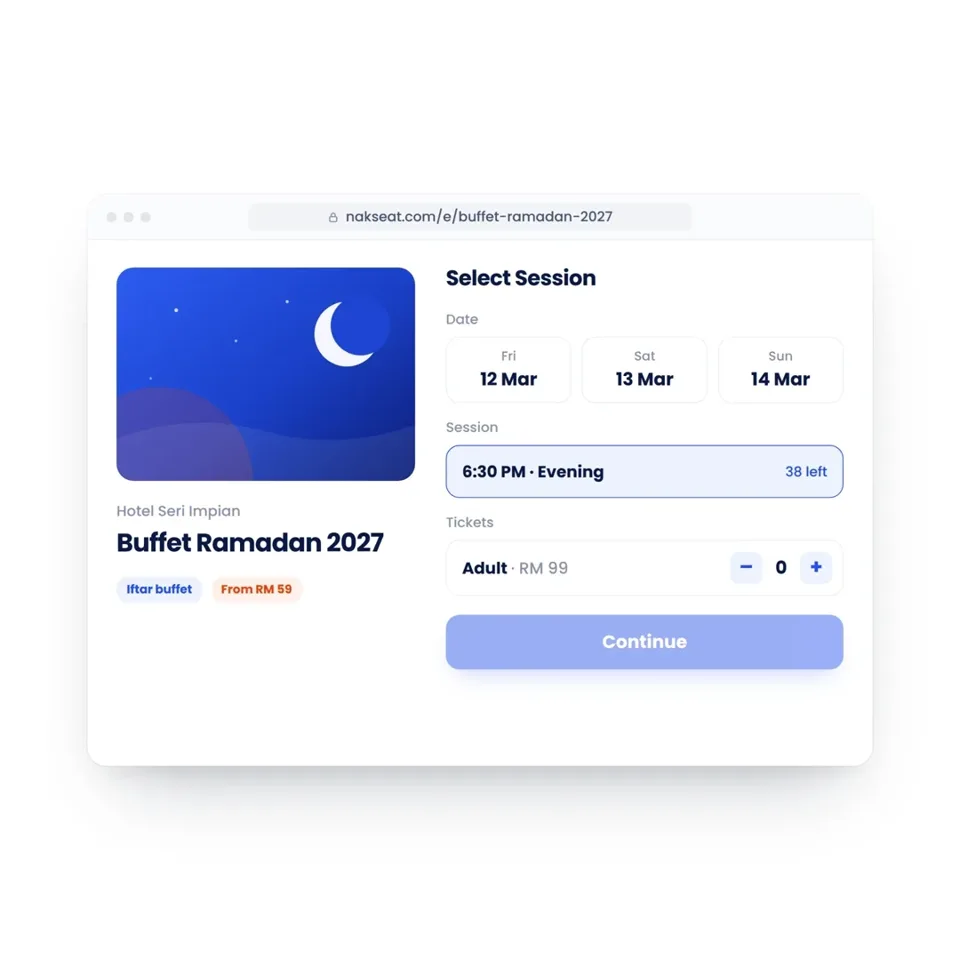
One link for attendees to choose their session, ticket and pay online.
Clearer capacity control
Set quotas and instantly see bookings and remaining availability.
Faster check in
Scan QR tickets or search a name to check guests in quickly.
How NakSeat Works
From event setup to attendee check in, in three connected steps.
Real NakSeat screens, recorded from the product: create and publish your event, let attendees book and pay, then scan them in at the door.
- 01
Create & Publish
Set up your event, sessions and ticket types, then publish a booking page your attendees can open from any link you share.
- 02
Book & Pay
Attendees pick a date, choose their seats, pay online and receive a QR ticket the moment payment is confirmed.
- 03
Scan & Check In
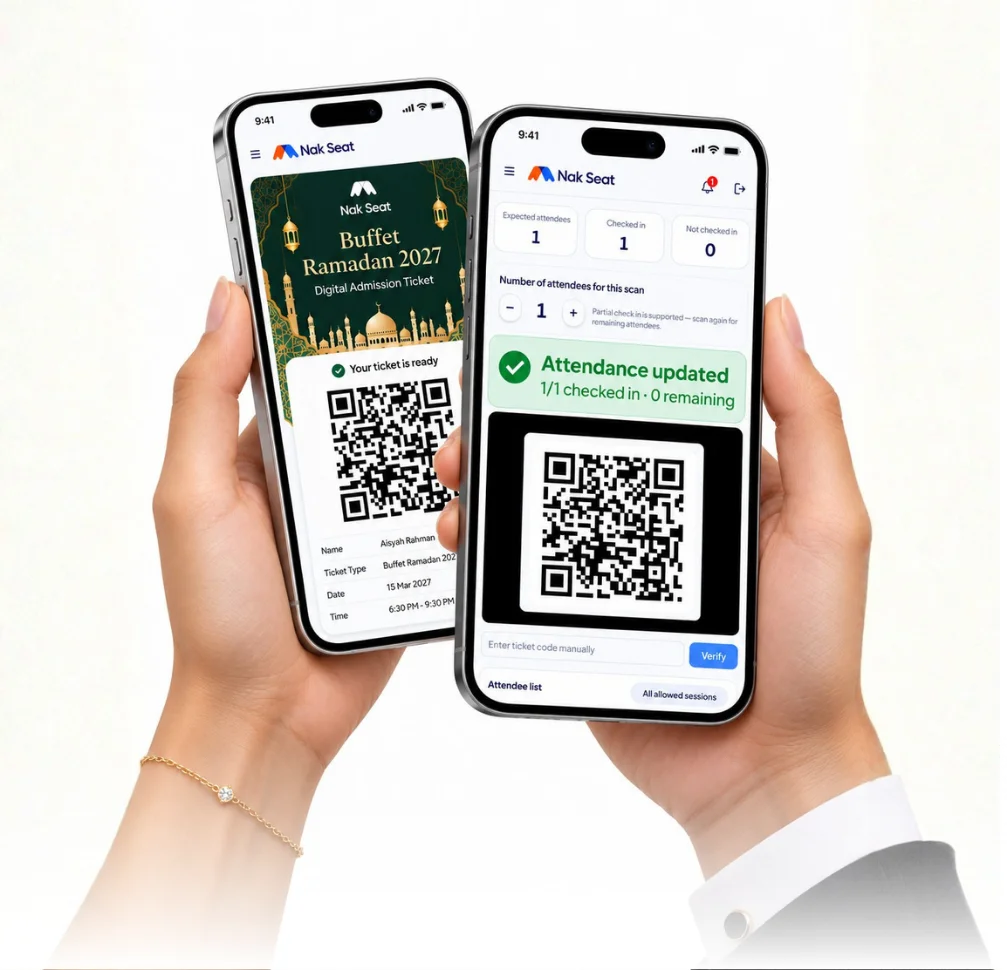
At the door, your team scans each QR ticket. Attendance updates instantly, partial arrivals are supported and every entry is recorded.
Free Interactive Demo
Try it yourself. No signup needed.
Experience what your attendees, door staff and managers see, in about 2 minutes. Sample data only, no real payments.
01 · Book
Pick a session and get a QR ticket instantly.
02 · Scan
Use a second phone as the door scanner.
03 · Dashboard
Watch check-ins update live.
Tip: best with two devices — book on your laptop, scan with your phone.
Booking confirmed
Evening session · 7:00 PM
4 guests
PaidScanner
Checked in
4 / 4 admitted
One Dashboard, Everything In View
See bookings, ticket sales and attendance at a glance.
Monitor each event, session and ticket category from one clear dashboard, so your team always knows what is happening.
Acara
Bufet Ramadan 2027 (demo)
Jualan
RM 18,420
Tempahan
146
Seat terjual
512
Sudah masuk
318
Iftar Ballroom — 12 Mac
Sesi petang
Iftar Ballroom — 13 Mac
Sesi petang
Bufet Teres — 14 Mac
Sesi malam

Hotel demo
Bufet Ramadan 2027
Ahad, 14 Mac · 6.30 PTG
Data demo. All values shown are demo data in Ringgit Malaysia (RM).
NakSeat Features
Everything you need to sell tickets and manage your event.
Give your Merchant team the tools to manage attendees from booking and payment through to event day check in.
Flexible Ticket Types
Different options, simple setup.
Create ticket types with different names, prices and quotas based on your event requirements.
NakSeatDEMODewasaRM 99.00150Kanak-kanak (4–11)RM 59.0060Warga EmasRM 89.0040Sales Dashboard
Track booking progress.
View event sales and booking statistics to help your team prepare with clearer information.
NakSeatDEMOTempahan146Seat terjual512Team Access
Give each person the right access.
Assign Owner, Sales Staff and Scanner roles based on each team member's responsibilities.
NakSeatDEMOOwnerSales StaffScannerOnline Payments
Make ticket purchases easier.
Guide attendees from your event link to booking and online payment through Billplz.
NakSeatDEMOPembayaran berjayaRM 396.00 · 4 tiketTickets and Receipts
Keep booking details accessible.
After payment is confirmed, attendees can view their QR ticket and booking details through the ticket page and email.
NakSeatDEMOBufet Ramadan 20274 seat · Sesi petangPembayaran berjayaMobile QR Scanning
Know who has arrived.
Scan tickets across multiple devices, search for bookings and monitor how many attendees have checked in.
NakSeatDEMOTiket sahSudah masuk2 / 4Your Brand
Keep your event identity visible.
Use your logo and available colour settings to align the booking experience with your Merchant brand.
NakSeatDEMOBufet Ramadan 202712131415161718Attendee List
Prepare before event day.
Review and export buyer information for team reference, operational planning and event day backup.
NakSeatDEMO14 seat · Sesi petang21 seat · Sesi petang32 seat · Sesi malam
See all NakSeat features, compare plans and pricing or explore the buffet Ramadan booking system for hotels and caterers.
Built For Real Event Operations
More than just selling tickets.
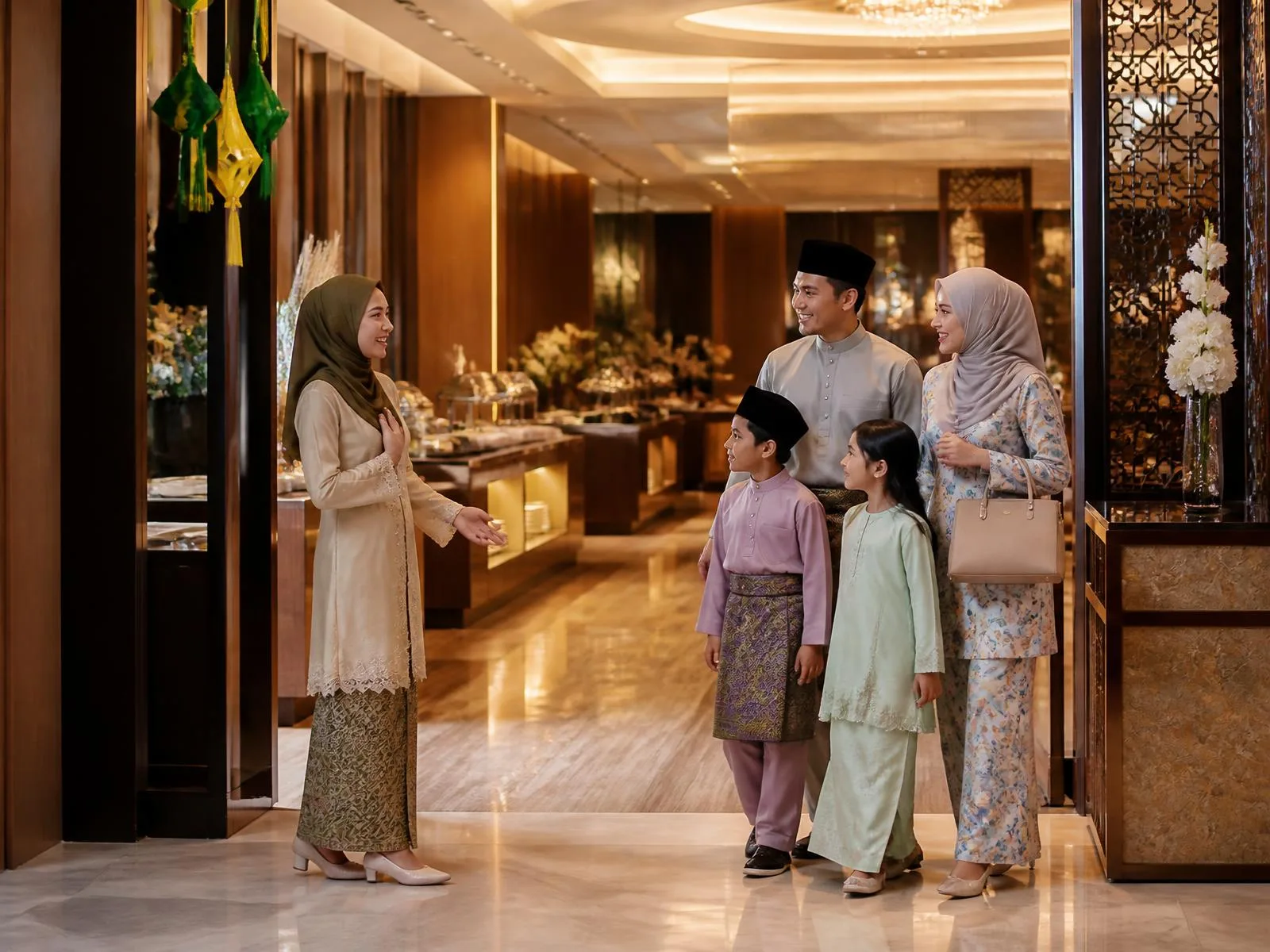
Every event comes with operational details to manage, including different ticket prices, limited capacity, multiple dates or sessions and attendees arriving individually or in groups.
NakSeat brings these steps together so bookings stay organised, information remains accessible and your team is better prepared when attendees arrive.
- Capacity by Date and Session
- Multiple Ticket Categories
- Individual and Group Bookings
- Role Based Team Access
- Live Attendance Records
Frequently Asked Questions
Is NakSeat suitable for your event?
Here are answers to common questions before you get started.
Make your next event easier to manage.
See how NakSeat helps attendees book and gives your team the tools to manage everything from the first ticket sold to the final check in.
Book. Pay. Scan. NakSeat.
Sample QR ticket